The handover problem: why field service software should follow the job, not the department
Most field service businesses do not have a software problem. They have a handover problem.
The job arrives by phone, email or alarm. Someone writes it down. A dispatcher decides who goes. The engineer drives, does the work, takes a photo and tells the office. The office re-types the story into a quote or an invoice. The customer asks for proof. By then, the record has been through five pairs of hands and at least two systems.
Every handover is a place where context can disappear: the access code, the asset number, the part that was fitted, the reason the job went on hold, the photo that proves the leak was fixed.
FieldElite is built around a different idea: the job should be one record, and every handover should add to it rather than copy it.
The five handovers that cost the most
- Customer to office. The request arrives with a site, a contact, a symptom and an urgency. If it lands in an inbox, the first task is reconstruction.
- Office to engineer. The engineer needs the site, the asset, the access notes, the checklist and the history. A PDF and a phone call is not a briefing.
- Engineer to office. The field record needs readings, photos, parts, defects and a clear “what happens next”. Paper and camera rolls lose the link to the job.
- Office to customer. The customer wants a status, a quote and proof. Chasing by phone creates work for everyone.
- Office to finance. The invoice has to match the work, the quote revision and the evidence. Re-keying turns a small variation into a margin leak.
What a connected record actually holds
In FieldElite, the job is the spine. It links to the customer and site, the asset, the checklist or form, the evidence, the defect, the quote, the invoice and any case or work hold. The same record is visible to the office, the field worker and — where the customer is allowed to see it — the portal.
That matters because the questions customers ask are not isolated:
- “Which pump was it?” is an asset question.
- “What did the engineer find?” is a checklist and evidence question.
- “Why did the repair cost more?” is a quote revision and variation question.
- “When will it be fixed?” is a dispatch and SLA question.
- “Can you prove it was made safe?” is a case, hold and audit question.
A stack of disconnected tools can answer each question separately. A connected record answers them together.
Walk it through: the Acme pump repair
Open the FieldElite demo workspace and follow one job from start to finish. Acme Facilities Ltd manages three buildings — a head office, Riverside Offices and Grand Canal Retail Park — with a small in-house team.
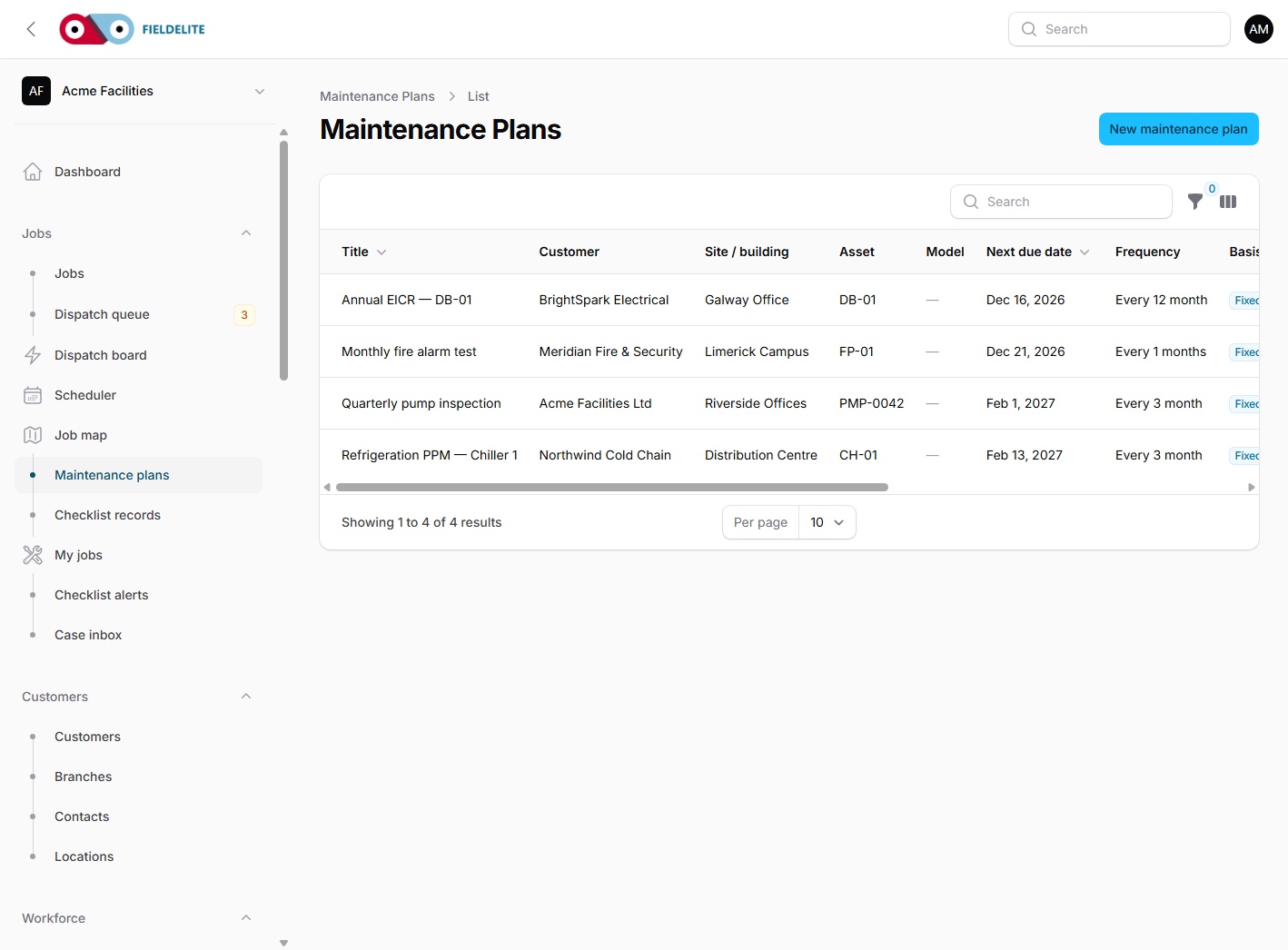
The asset is PMP-0042, a pump in the basement plant room. It has a QR label, a location and a service history. The job is Replace pump mechanical seal, with a checklist, before-and-after evidence, a defect and an on-hold reason. None of that lives in a separate folder.
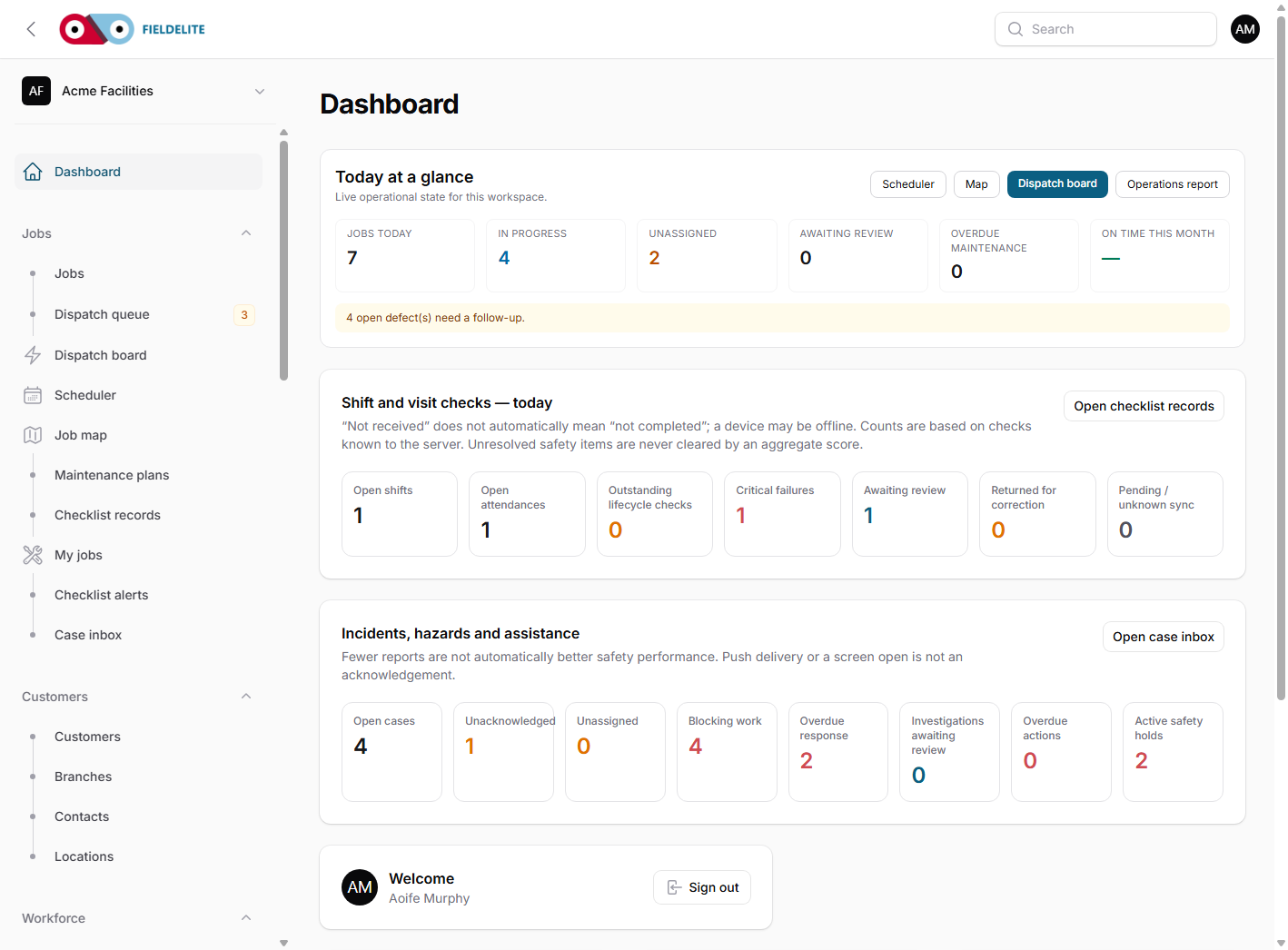
On the dispatch board, the unassigned leak is ranked against the available engineers. Skills, distance and workload are visible, so the dispatcher can make a decision rather than guess.
When the work is done, the follow-up quote QTE0002 is waiting for the customer. Acme signs in to the portal, accepts the quote and sees the invoice. The office converts the accepted quote without re-keying the line items. Receivables show the partially paid invoice and its ageing.
That is the whole promise: the customer approves the quote, the office invoices it, and the payment is allocated to the same job. No lost email. No second spreadsheet.
Why departments should not own the record
Most systems are organised by department: a CRM for sales, a scheduler for operations, a finance package for invoices, a folder for certificates. Each department gets a view that suits it, and the customer gets a different answer from each one.
A job record does not remove the need for specialist views. It gives them a shared source of truth. The dispatcher still sees a board, the engineer still sees a field screen, and finance still sees a ledger. The difference is that they are all looking at the same job, not three copies of it.
What to look for when you compare systems
- One identifier. The same job, asset and customer IDs should follow the work from intake to payment.
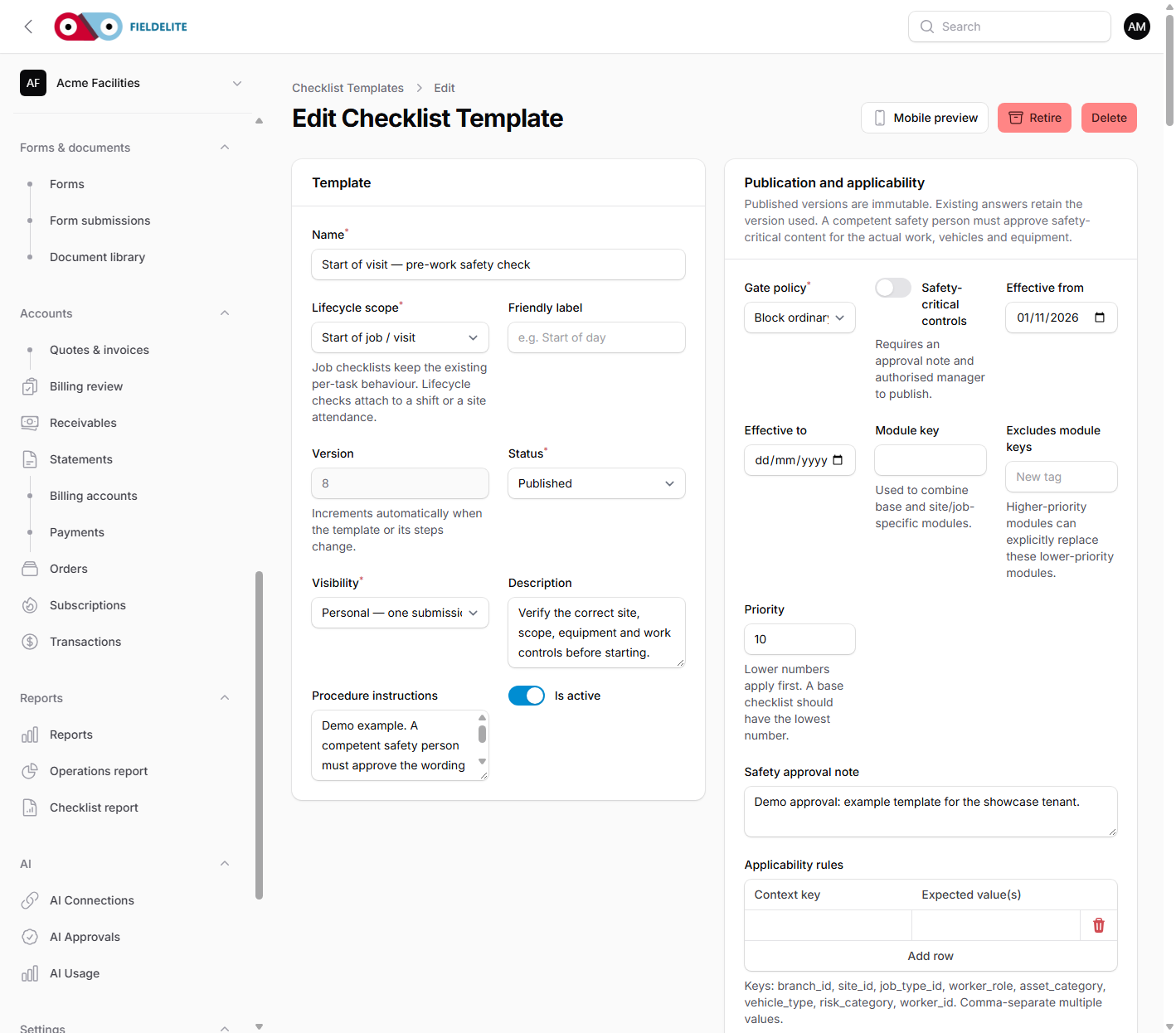
- Evidence on the job. Photos, readings, signatures and documents should be attached to the work, not stored beside it.
- Quote revisions. The customer should approve a specific revision, and the invoice should reference it.
- Portal access. Customers should be able to see the status and approve commercial work without an email chain.
- Offline behaviour. The field record must survive a basement or a cold store with no signal.
- Audit history. Every status change, hold and approval should have a who, what and when.
Where to start
Do not try to connect everything in week one. Pick one contract, one site and one job type. Run intake, dispatch, field evidence, quote and invoice through the same record. When that works, add the second site and the second job type.
The demo series follows that approach. Each article below takes one operational story and shows the same connected record from a different angle:
- Facilities management: PPM, reactive work and tenant-ready evidence
- Cold chain: from a 06:42 alarm to an SLA job
- Electrical compliance: from EICR to remedial quote
- Property maintenance: tracking links and portal approvals
- Fire and security: tests that stand up to an audit
- Safety: cases, work holds and corrective actions
- Offline-first field work when the signal drops
- Quote to cash: evidence that shortens the invoice conversation
- Choosing a FieldElite plan by how your team works
Plan fit
Job scheduling, customer records, quotes and invoices, the mobile app, checklists, scanning, preventive maintenance and the customer portal are included from Starter. Dispatch board, live map, SLA tracking, case management, workflow, inventory, IoT, fleet and expenses join on Professional. Enterprise adds customer tracking links, SSO, PO and invoice billing, broadcasts and custom integrations.
Compare the plans or start a 30-day trial and build the first connected job in your own workspace.
The customer names and scenarios in this series come from the FieldElite demo workspace and are illustrative, not real customer results.