No heating in Unit 14: tracking links, portal approvals and owner-ready evidence
A tenant reports no heating in Unit 14. The property manager needs a visit, the tenant needs to know when someone is coming, the owner needs to approve the repair, and someone needs a before-and-after photo for the file.
Four people, one fault, and a surprising amount of chasing. The Harbour Point Property scenario in the FieldElite demo workspace shows how the communication and the evidence can stay on the same job.
Three audiences, three different questions
- The tenant wants to know when the engineer will arrive and what happens next.
- The property manager wants the visit to happen, the cost to be approved and the owner to be informed.
- The owner wants proof that the repair was necessary, done properly and charged correctly.
A single job record can answer all three without three separate update calls. The tenant sees status, the property manager sees the quote, and the owner gets the evidence pack.
Intake: capture the access details once
The demo job is Tenant reported heating failure — Unit 14. It is urgent, in progress, and carries access notes. That last detail is easy to underestimate. A visit that fails because nobody could get in costs a call-out, a second appointment and a frustrated tenant.
The job is linked to Harbour Point Apartments, Block B, and to the tenant contact. The engineer sees the access notes before leaving, not after arriving.
Communication: a link, not a promise
Customer tracking links let the tenant follow the visit without calling the office. In FieldElite they are part of the Enterprise plan, while the customer portal is available from Starter. The distinction matters when you are choosing a plan: the portal is for customers who sign in; tracking links are for customers who just need a status page.
Either way, the principle is the same. Give the customer a place to look, and the office makes fewer status calls.
Approval: bind the quote to the revision
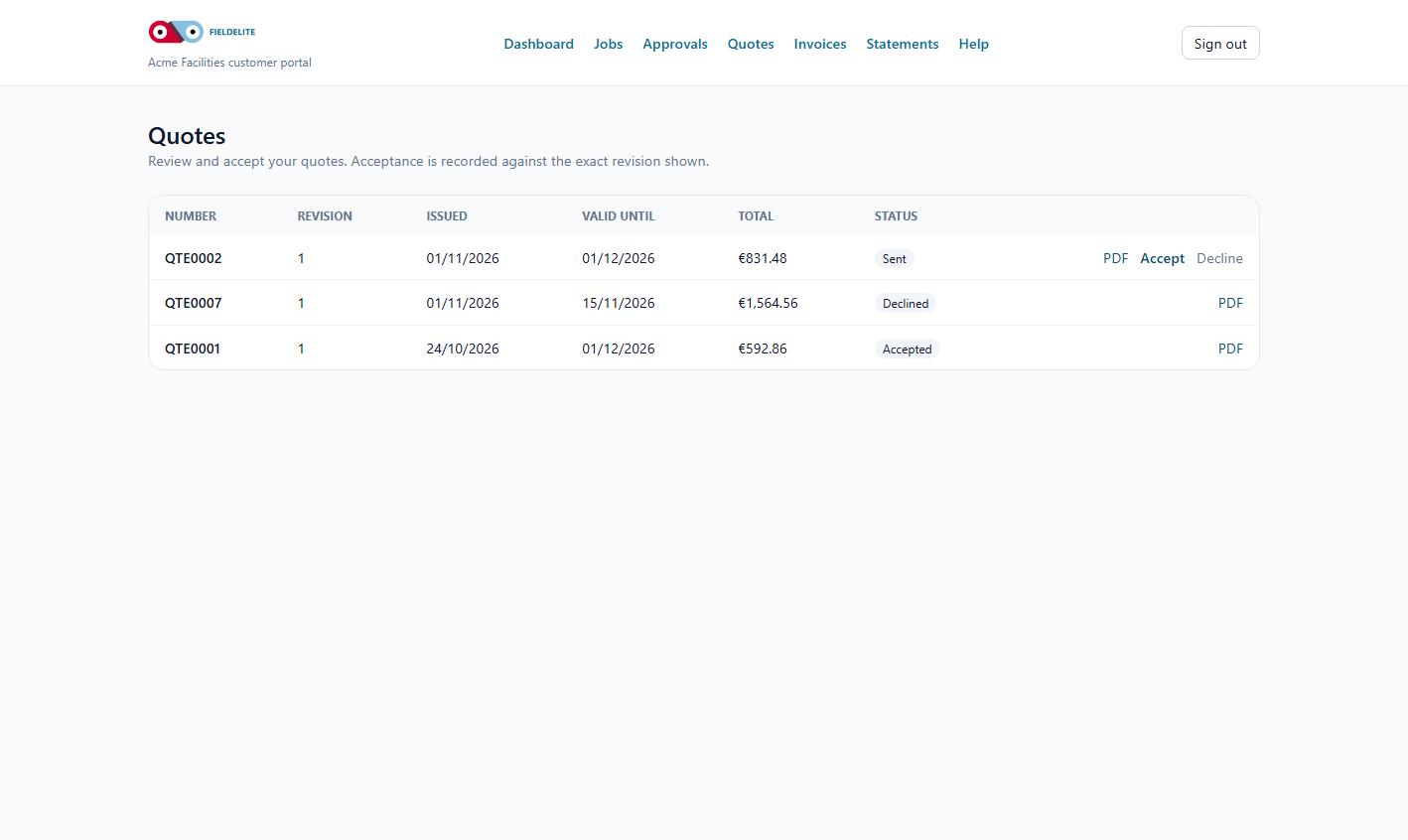
The follow-up repair is QTE0005. The property manager reviews it in the portal and approves it online. The approval is attached to the quote revision, not buried in an email thread.
That gives everyone a clear answer to “what exactly was approved?” If the scope changes, a new revision is created and approved. The invoice references the accepted work.
For property managers, this is the difference between managing a repair and managing a mailbox.
Evidence: before, after and sign-off
When the job is complete — for example, the bathroom extractor replacement — the record includes a before photo and a sign-off. The invoice is marked paid. The owner has a clean evidence pack without a site visit.
Evidence is not just for disputes. It is also how a property manager demonstrates value to the owner: here is what was found, here is what was done, here is what it cost.
Safety checks that do not become paperwork
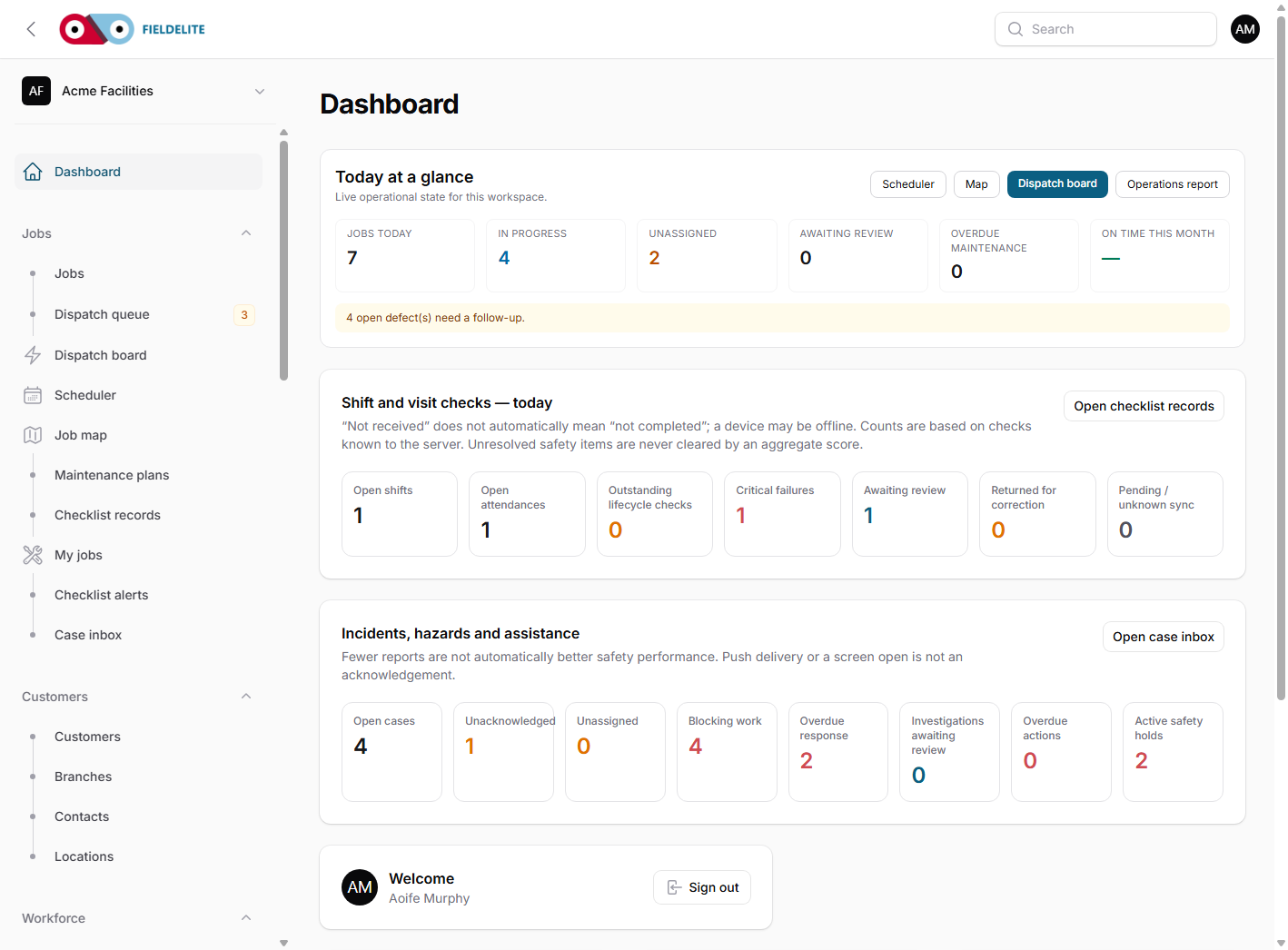
The demo also includes lifecycle checklist alerts at Harbour Point: a failed start-of-visit check, a missing end-of-visit check and a review that is overdue. These are not separate compliance products. They are checks attached to the visit.
A failed critical check can block the work until it is reviewed. A missing end-of-visit check becomes an owned alert rather than a box nobody ticked. The report shows what was received, what is outstanding and what was not received.
That is particularly relevant for property work, where the engineer may be alone in a tenant's home and the risk assessment matters as much as the repair.
What to automate first
- Put the tenant, unit, access notes and site on the job.
- Invite the top ten property managers to the portal.
- Require a before photo and a sign-off on completed visits.
- Turn on one start-of-visit and one end-of-visit check.
- Review the first month of alerts before adding more checklists.
Plan fit
Starter includes job scheduling, customer records, the mobile app, checklists, the customer portal, scanning and preventive maintenance. Growth adds more users, forms, customer notifications, payment processing and operational messaging. Professional adds the dispatch board, live map, SLA tracking, case management and inventory. Enterprise adds customer tracking links, geofence arrival, weather, broadcasts and PO or invoice billing.
See the plan comparison, or start a 30-day trial and run one tenant repair end to end.
The Harbour Point Property scenario comes from the FieldElite demo workspace and is illustrative, not a real customer result.