From EICR to remedial quote: keeping compliance evidence attached to the asset
Compliance work is evidence work. The engineer can do a perfect inspection and still lose the argument if the certificate, the observations and the follow-up quote cannot be connected to the right installation.
The BrightSpark Electrical scenario in the FieldElite demo workspace starts with a fixed wire testing job and two C2 observations. The interesting part is what happens next.
The usual failure mode
The certificate is produced as a PDF and saved to a shared folder. The C2 observations are written into an email. The remedial quote is built in a separate system. The asset history is a spreadsheet, or a folder named after the site.
Six months later, a new engineer visits the same distribution board. The certificate is hard to find, the observations are in a mailbox, and the quote was never accepted. The next inspection starts from a blank page.
The chain in the demo
The Fixed wire testing job is completed with a checklist and a form submission. The form is not a scanned PDF with a signature at the bottom. It has structured fields: pass or fail, readings, and a photo requirement when something fails.
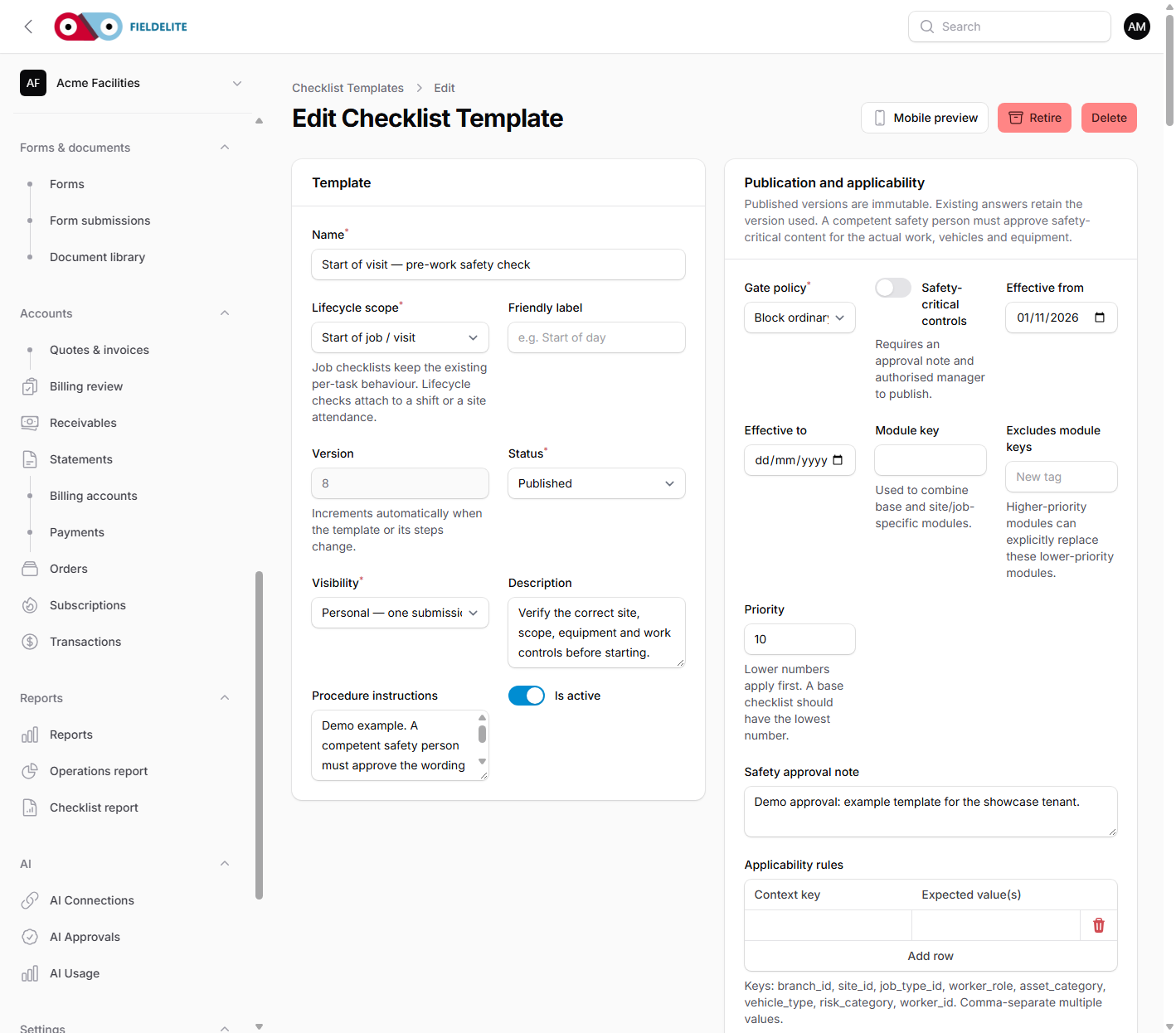
The EICR inspection checklist template is built for that pattern. A failed item can require a photo before the job can be completed. That single rule makes the evidence consistent, even when different engineers do the work.
The two C2 observations become defects with a severity, an asset and a follow-up. Defect DB-01 is attached to the distribution board, so its condition and history are visible the next time someone opens the asset.
The EICR certificate is stored as a document linked to the site. The remedial quote QTE0004 is linked to the same job and asset. The customer can review the quote in the portal, and the office can schedule the work without rebuilding the context.
What an auditor or client actually asks
- What was inspected, and on which asset?
- Who inspected it, and when?
- What was found, in a consistent severity scale?
- Was the installation made safe, and what evidence supports that?
- What remedial work was recommended, quoted and completed?
- When is the next inspection due?
A structured record answers those questions by following the links. A folder of documents answers them by searching.
Why structured forms beat scanned PDFs
Scanned certificates are better than nothing, but they are hard to query. A structured form gives you:
- Consistent observations. The same severity scale across engineers and sites.
- Searchable defects. Find every open C2 on a customer's estate.
- Evidence rules. Require a photo when a reading is out of range.
- Repeatable templates. Use the same inspection structure across contracts.
- Asset history. See the previous result before the next visit.
The certificate can still be issued as a branded document. The difference is that the underlying data is usable.
Turning a defect into revenue without losing the thread
A C2 observation is a customer conversation. It is also a piece of work that needs to be quoted, approved and scheduled. When the defect, the quote and the job share an asset, the conversation is easier:
- The engineer can explain the observation with the reading and the photo in front of them.
- The office can quote the remedial work without asking the engineer to describe it again.
- The customer can approve the specific revision in the portal.
- The next inspection can show whether the remedial work was completed.
That is how compliance work becomes repeatable revenue instead of a yearly scramble.
What to set up first
- Build one inspection template with pass/fail, readings and a photo-on-fail rule.
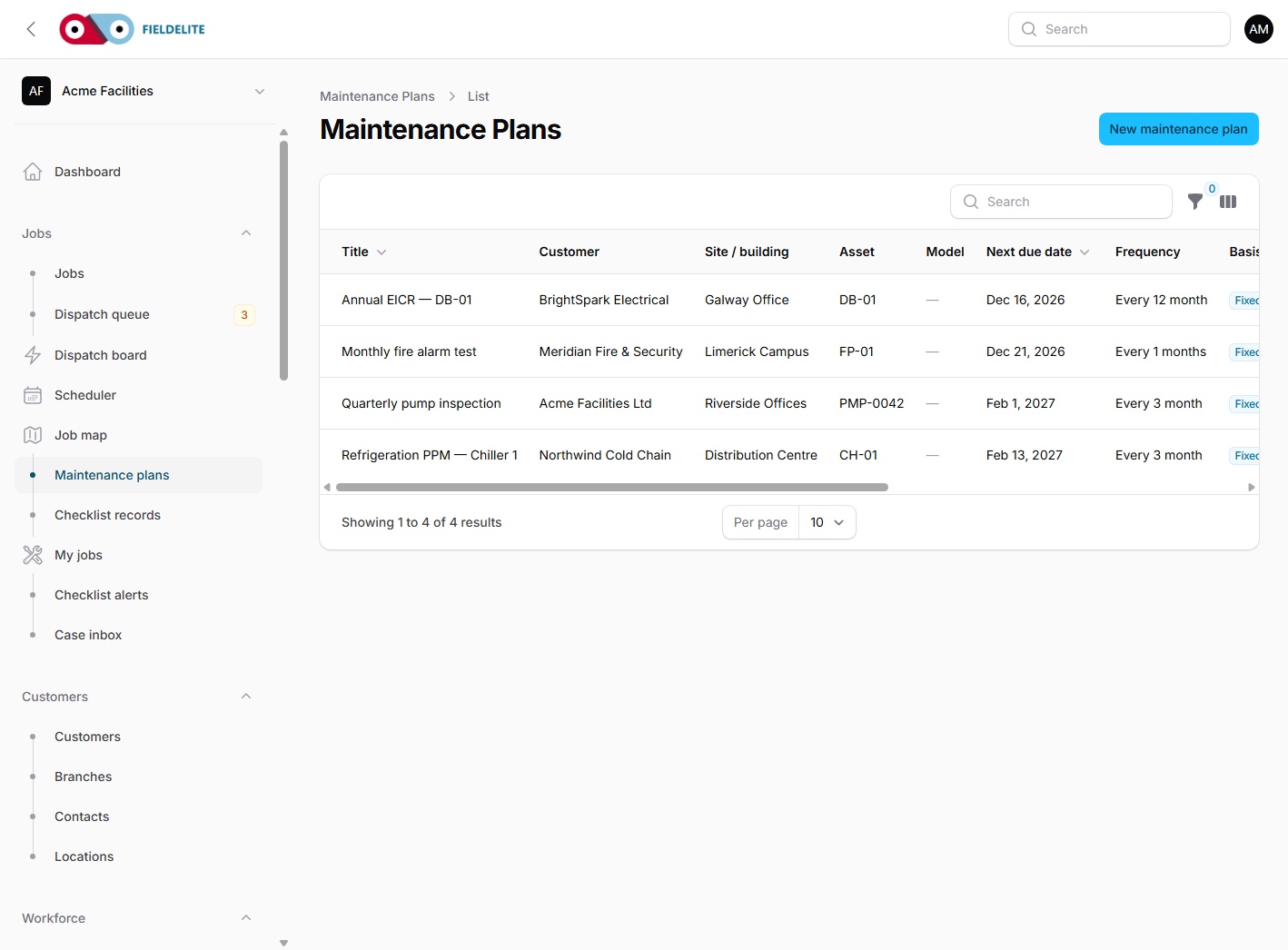
- Load the assets that appear most often on certificates.
- Define the defect severity scale and who owns follow-up.
- Connect the certificate document to the site and the asset.
- Run one remediation from defect to quote to completed job.
Plan fit
Assets, checklists, scanning and the customer portal are included from Starter. Forms, customer notifications and more users join on Growth. Professional adds case management, the workflow engine, the dispatch board, inventory, API access and branded documents, which is usually the right fit for a compliance-led contractor. Enterprise adds data migration, custom integrations, SSO and PO or invoice billing for larger estates.
Compare the plans, or start a 30-day trial and build your first EICR template.
The BrightSpark Electrical scenario comes from the FieldElite demo workspace and is illustrative, not a real customer result.