Shift and visit checks
Who this is for: field workers using the Android app.
What you will learn: how start/end of shift and start/end of visit checks work, what a gate means, and what happens when you are offline.
Why there are four checks
| Check | When |
|---|---|
| Start of shift | Before you start the day |
| End of shift | Before you finish the day |
| Start of visit | Before you start work at a site |
| End of visit | Before you leave a site |
They are not the same as the job checklist. The job checklist covers the task; the lifecycle checks cover readiness, site conditions and handover.
Start your shift
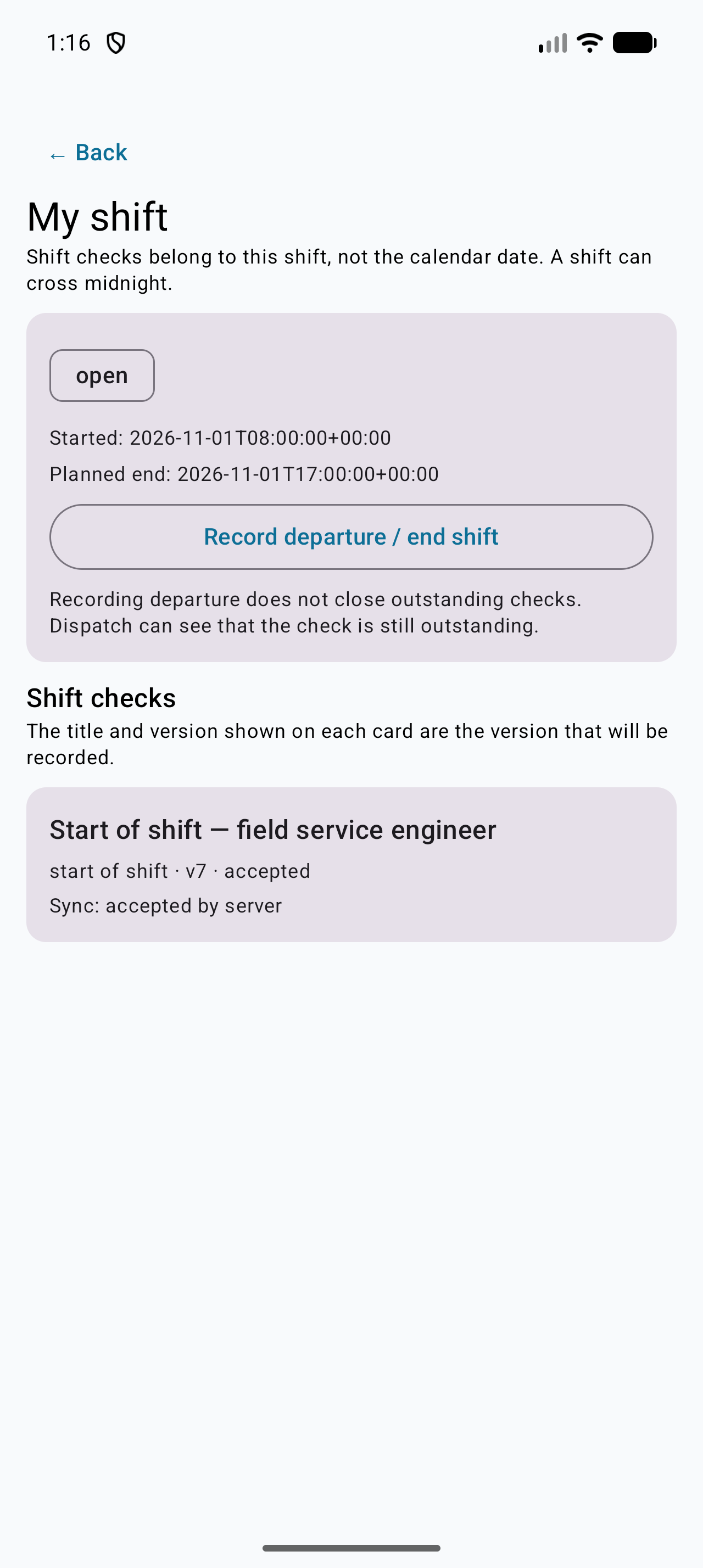
- Open Shift.
- Confirm the branch and vehicle.
- Tap Start shift.
- Complete the start-of-shift checks.
Typical checks:
- you are fit to work
- the phone is charged
- the vehicle walk-around is complete
- tools, PPE and calibration are valid
- lone-working arrangements are confirmed
- you are ready, restricted or unable to start
Start a visit
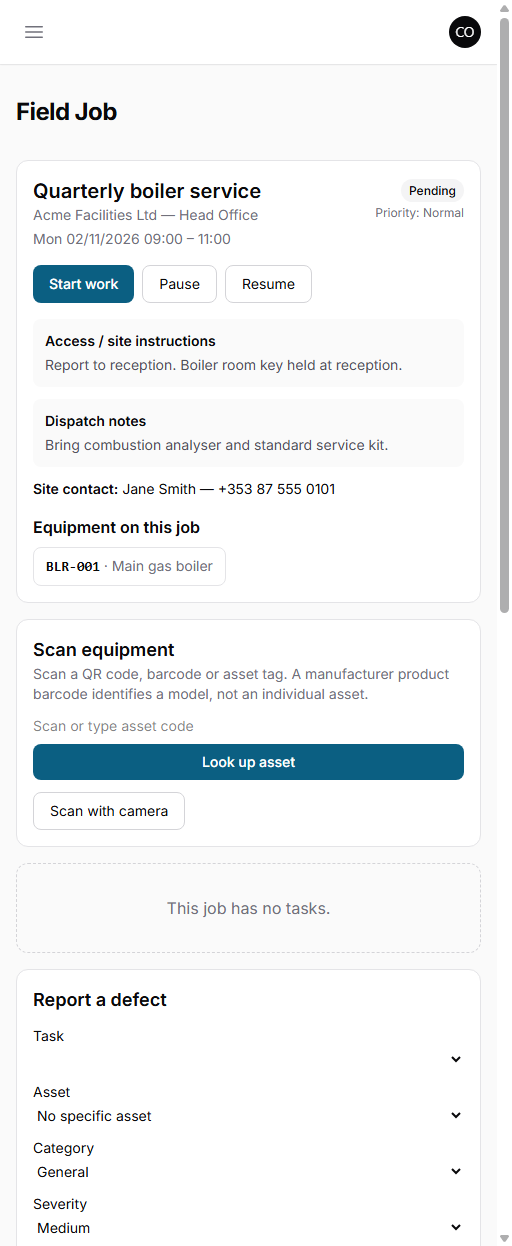
- Open the job.
- Tap Start work or Start visit.
- Confirm the site, asset and scope.
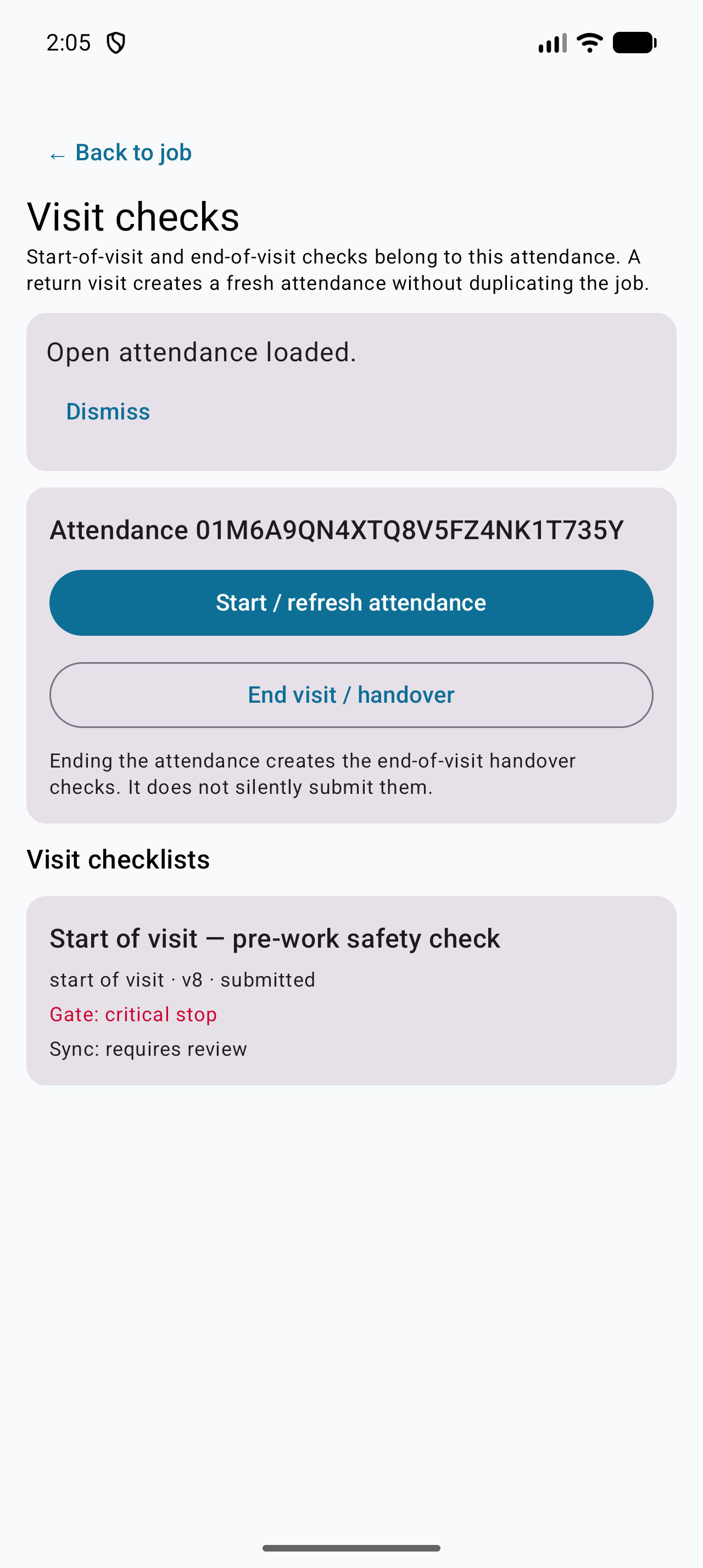
- Complete the start-of-visit checks.
- Record before-work photos.
- Proceed, hold, or record that you cannot start.
If the check is critical and fails, the app blocks ordinary progression and tells you to contact the supervisor. Do not try to bypass it.
End a visit
- Complete the job checklist and evidence.
- Open the end-of-visit checks.
- Record the outcome and equipment status.
- Record any isolation, barrier or permit still active.
- Record handover and after-work photos.
- Submit.
A return visit creates a new visit record. The job is not duplicated.
End your shift
- Review incomplete visits.
- Record any unresolved safety issue or equipment restriction.
- Record vehicle, tool and stock issues.
- Confirm time and expenses.
- Confirm departure.
The app distinguishes saved on device from received by dispatch. If departure is pending upload, the office has not received it yet.
Gates
| Gate | What it means for you |
|---|---|
| Clear | Continue |
| Reminder / warning | Continue, but read the message |
| Block | Stop ordinary work until resolved |
| Require review | A supervisor must review |
| Critical stop | Stop and contact the supervisor |
Emergency contact, incident reporting and recording a failed outcome are never blocked.
Offline
- Answers are saved on the phone first.
- Shift and visit start/end are queued as mutations.
- Published checks download when you reconnect; the app does not invent a safety template offline.
- Pending evidence resumes on reconnect.
- Do not clear app data while anything is pending.
Check your understanding
- What is the difference between a job checklist and a start-of-visit check?
- What happens when a critical check fails?
- What does "pending upload" mean for departure?
- Can you proceed after a block?
Related: Reporting incidents and asking for help · Offline use and syncing · Safety checklists, RAMS and SPA · Office: lifecycle checklists, alerts and reports
Related articles
Who this is for: field workers using the web workspace, the PWA or the Android app. What you will learn: how to open the help centre and find the answer without leaving the job. Op...
Who this is for: engineers, technicians and anyone completing jobs on site. What you will learn: how to sign in, find your work, and understand what the office expects from each jo...
Who this is for: field workers. What you will learn: the on-site routine that produces a clean, billable, defensible job record. Arrive and start Park safely and follow the site'...
Who this is for: field workers. What you will learn: how to complete a checklist correctly and capture evidence that will stand up to review. How a checklist behaves It is a snap...