Checklists and evidence
Who this is for: field workers.
What you will learn: how to complete a checklist correctly and capture evidence that will stand up to review.
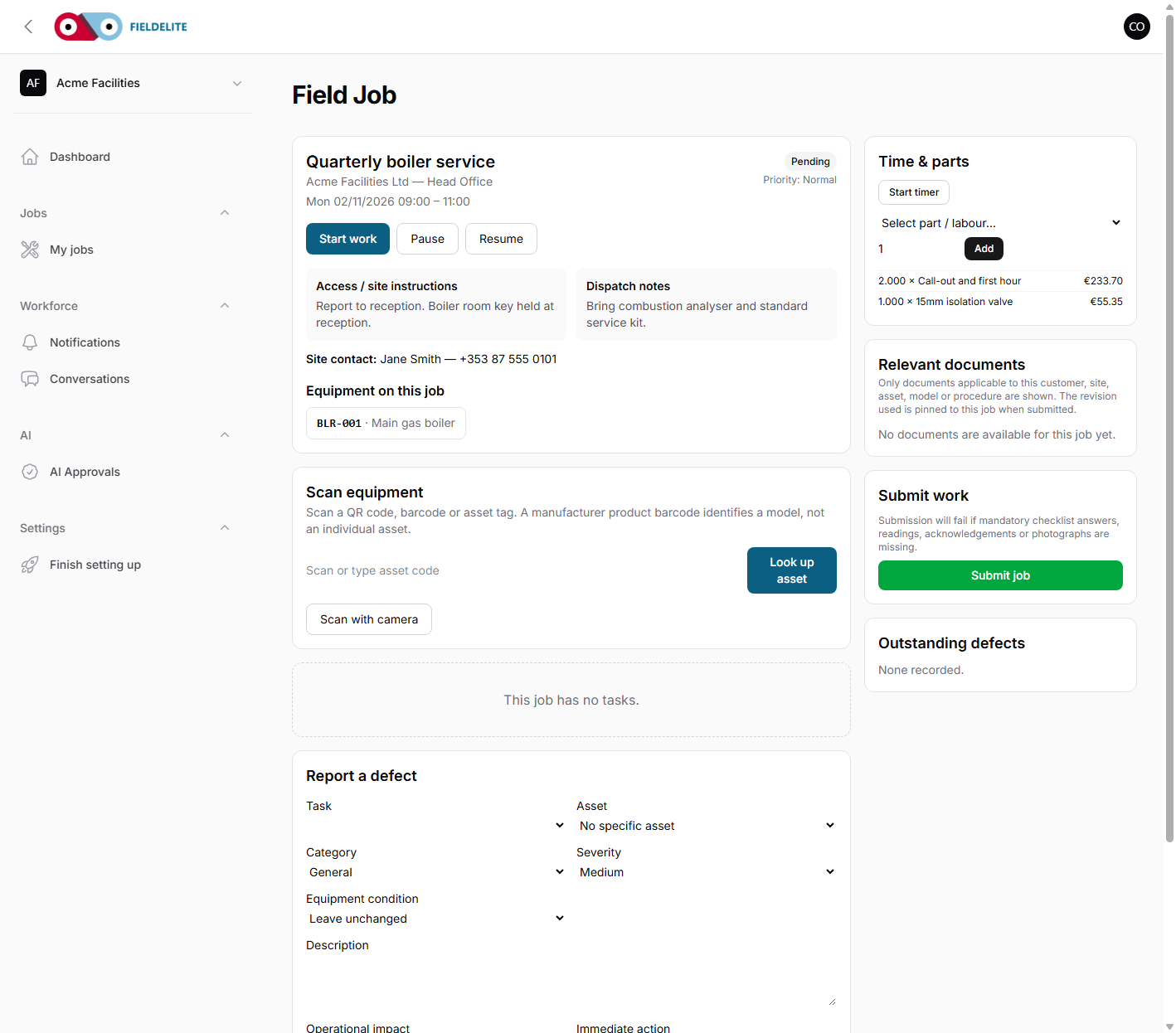
How a checklist behaves
- It is a snapshot of the template when the job was created.
- Every item has a type and may be required.
- Some items only appear when a previous answer unlocks them.
- Required evidence is shown next to the item.
- You must save each step.
Item types
| Type | What to do |
|---|---|
| Checkbox | Confirm the step is done |
| Pass / fail | Record the inspection result |
| Yes / no | Answer the confirmation question |
| Number | Enter the reading and unit |
| Text | Write a short, factual observation |
Record a reading
- Enter the value.
- Check the unit (bar, °C, Ω, mm).
- If the value is outside the allowed range, the screen asks for an action.
- Record exactly what you did:
- adjusted
- isolated
- reported
- made safe
- Save the step.
Do not change a reading to fit the range. A real out-of-range value is useful data.
Evidence rules
| Stage | What to capture |
|---|---|
| Before | The condition on arrival, wide shot and close-up |
| During | The work in progress, where it adds proof |
| After | The completed work, cleaned and tested |
| Defect | The fault, clearly visible, with a reference |
A photo must show what the caption says it shows. If you write "leak at mechanical seal", the seal must be visible.
If a photo will not upload
- Check signal.
- Keep the app open; uploads may be queued.
- Try a smaller photo or the gallery.
- Do not delete the job or clear app data.
- Tell the office before you leave site.
Failed items and defects
A fail is not the end of the job.
- Record the failure.
- Add a photo if required.
- Record a defect with severity and impact.
- State whether the asset is still available.
- State what parts or follow-up work are needed.
- Tell the customer what they must not use.
Tips
- Tip: Complete the checklist in order. Conditional items depend on earlier answers.
- Tip: Write observations a stranger could understand a year later.
- Warning: Do not mark an item as not applicable without a reason if the checklist asks for one.
Check your understanding
- What happens when a reading is outside the allowed range?
- What are the four evidence types?
- What should you do if a required photo will not upload?
Related: Working a job · Defects, parts and follow-up work · Safety checklists, RAMS and SPA
Related articles
Who this is for: field workers using the web workspace, the PWA or the Android app. What you will learn: how to open the help centre and find the answer without leaving the job. Op...
Who this is for: engineers, technicians and anyone completing jobs on site. What you will learn: how to sign in, find your work, and understand what the office expects from each jo...
Who this is for: field workers. What you will learn: the on-site routine that produces a clean, billable, defensible job record. Arrive and start Park safely and follow the site'...
Who this is for: field workers. What you will learn: how to report a fault without losing the commercial or safety follow-up. Defect or note? Record Use it for Note A conver...