Safety checklists, RAMS and SPA
Who this is for: field workers and supervisors.
What you will learn: what a RAMS and SPA are, how to complete a safety checklist, why a job may be blocked, and what to do when conditions change.
Before you start work
You may see a start-of-day check, a vehicle walk-around or a job RAMS/SPA. These are not the same as the job checklist.
| Record | What it answers |
|---|---|
| Start of day | Am I fit, equipped and ready to work today? |
| Vehicle | Is the van safe to drive? |
| RAMS | How is this job done safely, and what are the controls? |
| SPA | Does the RAMS still fit today’s site, task and crew? |
| Job checklist | Was the task done correctly? |
Complete the safety records before you start the work. The server will block ordinary progression if a mandatory record is missing, incomplete or unsigned.
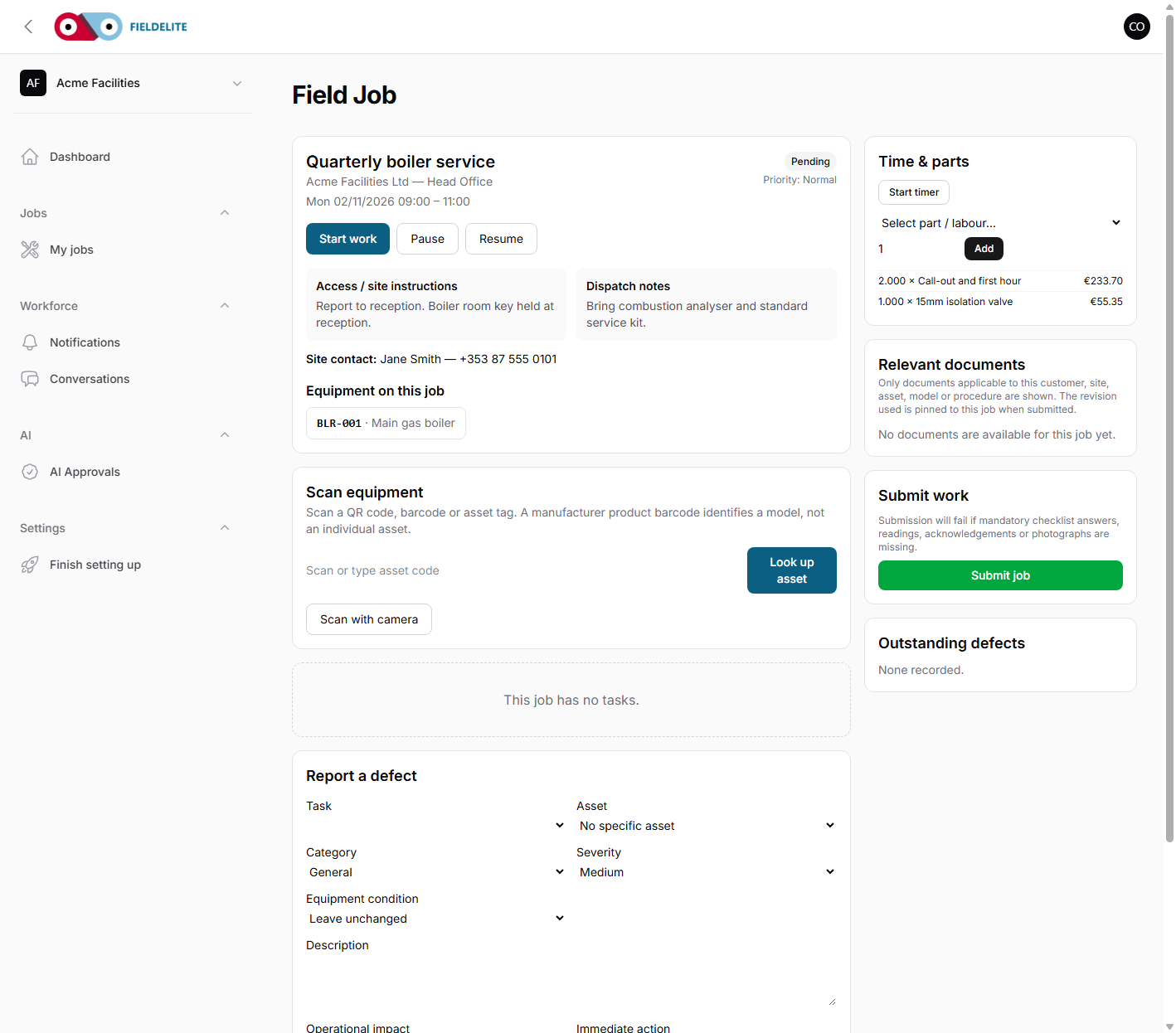
Open Safety in the PWA or Job → Safety / RAMS in Android. Both apps cache the template and save answers offline. The office dashboard is Jobs → Safety checklists (or Settings → Safety templates to edit a tenant copy).
Complete a RAMS/SPA
- Read the whole method statement, not just the first section.
- Check the site, task, equipment and crew match the actual work.
- Review each hazard and control. If a hazard is missing, add it or stop.
- Score initial and residual risk from 1 to 5. Do not lower a score to make the form pass.
- Complete the permits, PPE, training and emergency sections.
- Sign your role.
- Make sure every worker on site is briefed and signs the briefing.
- Submit. You cannot change the record after that, so check it before you send it.
A worker briefing needs each person’s name, signature, time and location. A typed name alone is not a briefing.
If the job is blocked
A block means something required is missing or a check has failed. Common reasons:
- no completed RAMS/SPA;
- a missing signature or briefing;
- a failed critical item;
- an open significant change;
- a start-of-day check that is not complete;
- an outstanding defect on your assigned vehicle.
Don't try to get around the block. Call your supervisor. A manager can override a gate with a reason, but not a critical failure, a missing signature or an open change flag.
If something changes
If conditions, equipment, people or the method change:
- Stop work if the change makes the work unsafe.
- Raise a significant change and describe what changed.
- The job is held and the supervisor is notified.
- Read the amended RAMS and sign the new briefing before work continues.
Vehicle walk-around
- Complete the daily check before driving.
- Record tyres, brakes, lights, mirrors, wipers, fluids, documents, safety equipment and load security.
- Record the mileage.
- If a critical item fails, stop using the vehicle.
- Add a photograph and describe the defect.
- Tell the office. The vehicle is out of service until a supervisor resolves it with a note, photo and signature.
Never drive a vehicle with a tyre, brake or roadworthiness defect because the job is urgent.
Copy from the customer
If the office copies a previous RAMS for the same customer, the copy arrives as a draft. Answers for this job and every signature are cleared. Wait for a competent person to review it and brief you before you start.
Check your understanding
- What is the difference between a RAMS, an SPA and a job checklist?
- What does a worker briefing record?
- What should you do when a significant change is raised?
- What must you never do with a vehicle defect?
- Why can you not just copy the old signatures?
Related: Checklists and evidence · Safety, documents and acknowledgements · Shift and visit checks · Office: safety checklists, RAMS and SPA
Related articles
Who this is for: field workers using the web workspace, the PWA or the Android app. What you will learn: how to open the help centre and find the answer without leaving the job. Op...
Who this is for: engineers, technicians and anyone completing jobs on site. What you will learn: how to sign in, find your work, and understand what the office expects from each jo...
Who this is for: field workers. What you will learn: the on-site routine that produces a clean, billable, defensible job record. Arrive and start Park safely and follow the site'...
Who this is for: field workers. What you will learn: how to complete a checklist correctly and capture evidence that will stand up to review. How a checklist behaves It is a snap...