Feature
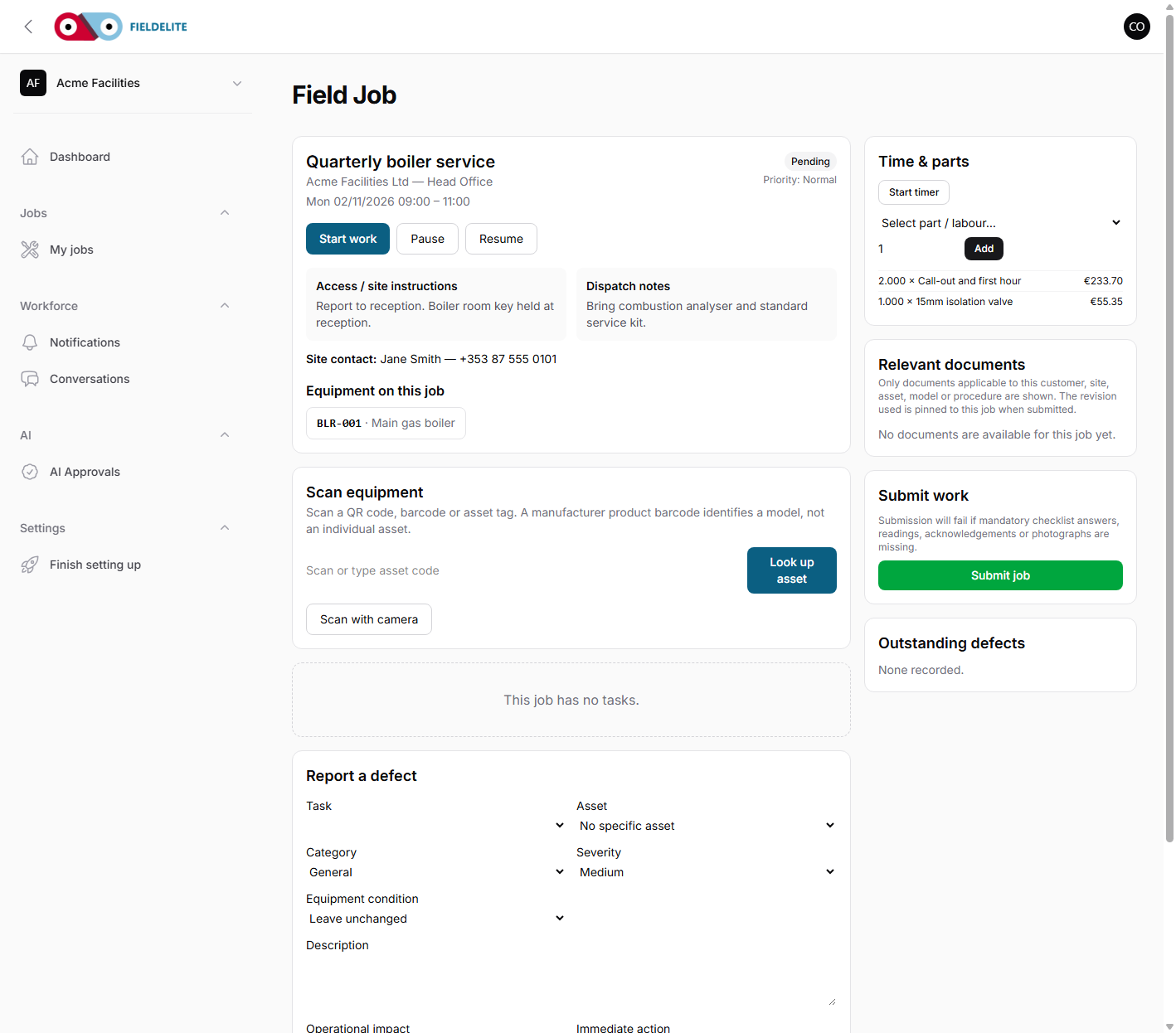
Customer signatures and photo evidence
Capture the condition, the work and the customer's sign-off before the van leaves the site.
The problem
When a customer disputes an invoice, the office searches a camera roll, a WhatsApp thread and a paper job sheet. The evidence may exist, but it is not attached to the work.
What you get
Before and after photos
Capture the condition on arrival and the completed work, with captions.
Customer signature
The customer signs on the device at the point of work.
Evidence linked to the record
The photo and signature sit against the job, checklist and invoice.
Time and location
The record can include when and where the evidence was captured.
How it works
Arrive and inspect
Photograph the condition before work starts.
Complete the work
Add the checklist answers, parts and notes.
Capture the proof
Take the after photo and get the customer signature.
Submit
The evidence is attached to the job and available to the office.
Works with
Questions about this feature
Does the signature work offline?
Yes. The signature can be captured on the device and uploaded with the queued job submission.
Can we require a photo on failure?
Yes. Checklist items can require a photo when the answer fails.
Who can see the photos?
Office users with access to the job and the customer portal where the evidence is shared.
Can we use a paper signature?
You can, but it leaves the digital record. The signed device record is easier to find later.
See it with your own jobs
Book a short walkthrough and bring one real job, site or contract.
Start your 30-day free trialKeep reading
Help articles for this feature
From the blog
A job loses context every time it changes hands. Here is how one connected record covers the customer, the site, the engineer, the evidence and the invoice — with a walk through the FieldElite demo workspace.
Most of the expense admin is not the approval. It is finding the receipt, reading it and retyping the same totals. OCR removes the retyping, but only if a person still checks the result.
A leak at a managed site becomes a scheduled job, a signed RAMS, photo evidence, an OCR receipt and a paid invoice.