How receipt OCR cuts expense admin from 15 minutes to 2
Most of the expense admin is not the approval. It is finding the receipt, reading it and retyping the same totals. OCR removes the retyping, but only if a person still checks the result.
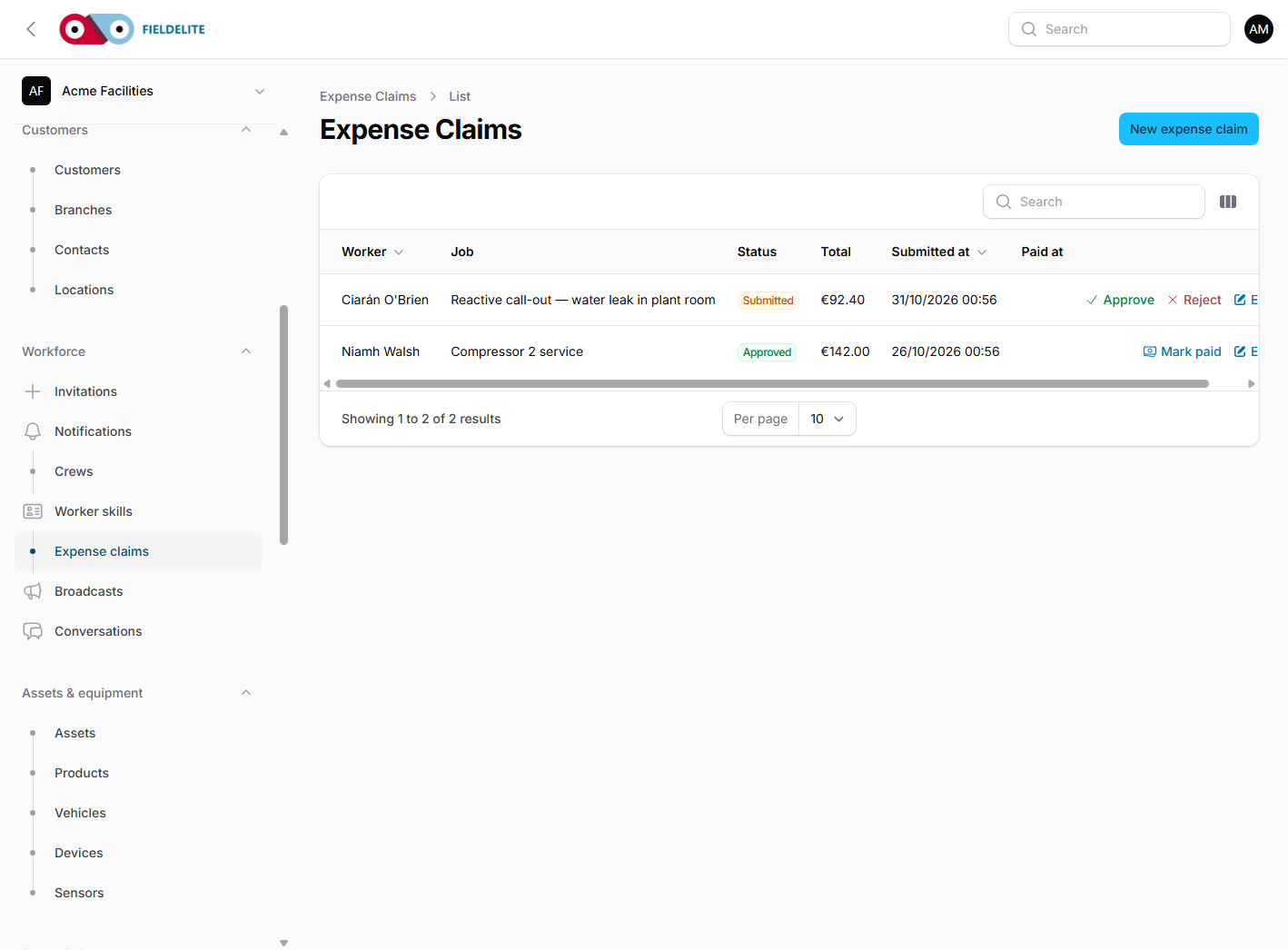
A receipt claim looks small until you add up the steps. The worker keeps the paper, photographs it later, types the merchant and total into a spreadsheet, and sends it to the office. The approver opens the receipt, compares it with the spreadsheet, asks a question, and the claim goes back.
The typing is the easy part to remove. The judgement is not.
What OCR can read
A modern OCR service can return the merchant, transaction date, currency, total, VAT amount, VAT rate and line items. It can also return a confidence score for each field. That last part matters more than the extraction itself.
In FieldElite, the worker sees the receipt image beside the pre-filled form. Fields marked AI came from the OCR. Amber fields are low confidence, missing or unparseable. The worker has to confirm those before the claim can be submitted. If net plus VAT does not equal the total, the worker has to acknowledge the mismatch.
The claim is still a draft until the worker submits it. OCR does not create an approved expense.
Where the time goes
The saving is not just the typing. It is the search:
- the receipt is attached to the claim, so the approver does not ask for it again;
- the merchant, date and total are in the same record;
- the approval history shows who changed what;
- the report can total the claim without a separate spreadsheet.
A claim that used to take 15 minutes of office time can be reviewed in about two minutes. The worker still has to check the fields. The approver still has to look at the receipt. That is the point.
What to check before rolling it out
- Decide the approval threshold. Small claims should not need two people.
- Agree the categories. Too many categories and the worker guesses.
- Set the receipt retention period with your own policy.
- Test the low-confidence fields with real receipts from your own suppliers.
- Tell workers that a blurry photo creates more work, not less.
Receipt OCR is useful when it is treated as a typing assistant, not as an approver. The human check is what keeps the claim defensible.
Related: Expenses, receipt OCR and approvals · Receipt OCR feature

Aoife looks after the finance and office workflows in FieldElite. She has a background in payroll and small-business accounting.