Feature
Receipt OCR that removes the expense spreadsheet
Photograph the receipt, check what the OCR read, and send the claim for approval.
The problem
The receipt lives in a van, a coat pocket or a phone camera roll. Someone types the totals into a spreadsheet at month-end, and the approver has no easy way to compare the claim with the receipt.
What you get
Capture from the phone
Photograph the receipt in the PWA or Android app. The image is compressed before upload.
Mistral OCR
The server reads merchant, date, currency, totals, VAT and line items.
Human correction
Low-confidence fields are amber. The worker confirms or corrects them before submission.
Approval and audit
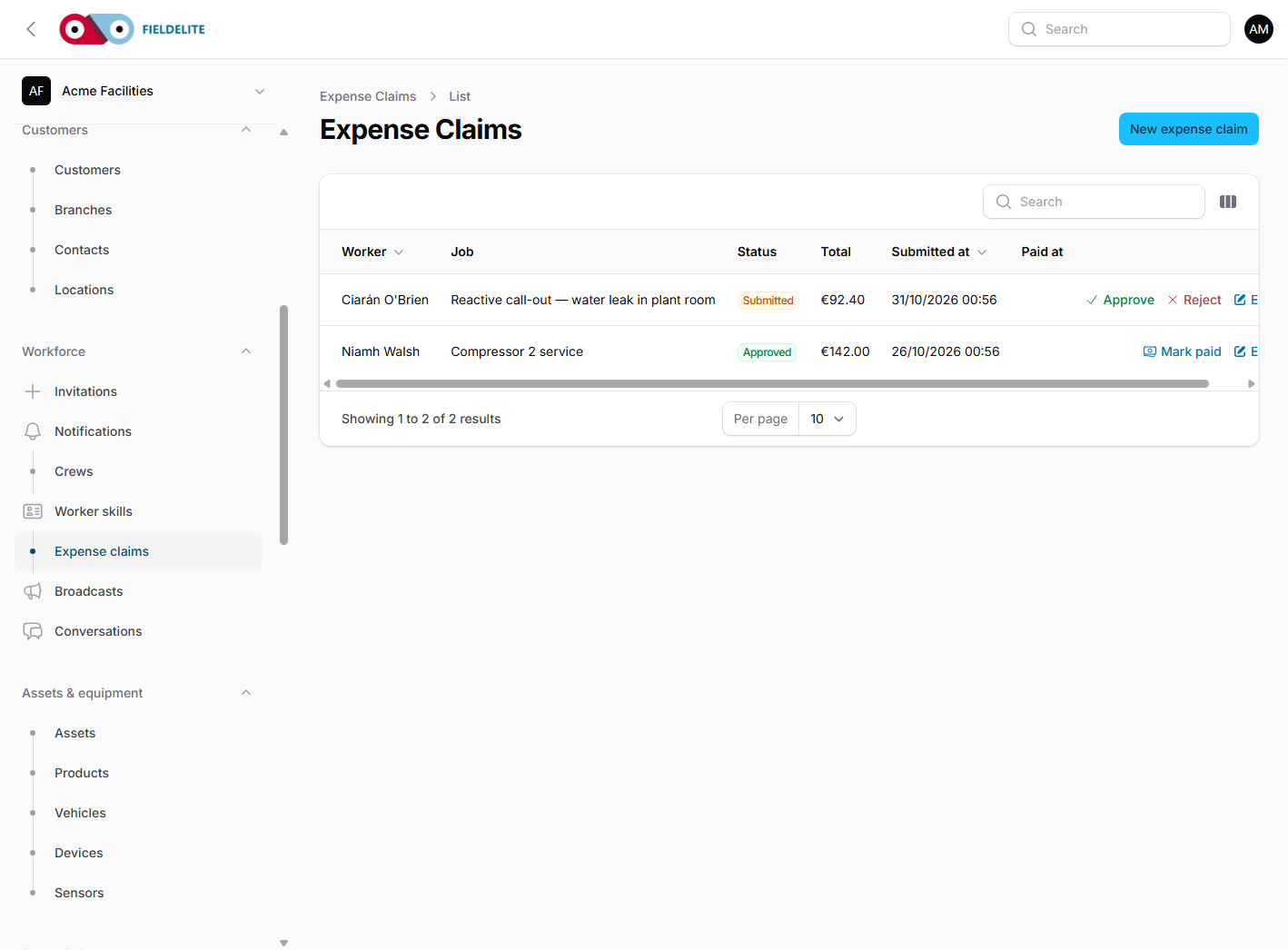
An approver reviews the receipt beside the corrected values. Every decision is recorded.
How it works
Upload the receipt
Take the photo or attach a JPEG, PNG, WebP, HEIC or single-page PDF.
Wait for extraction
OCR runs asynchronously. The worker can leave the screen.
Check the form
Confirm every AI-filled field, clear the amber fields and check net + VAT equals the total.
Submit and approve
The claim goes to the approval queue. The approver can approve, reject or reopen with a reason.
Works with
Questions about this feature
Does OCR replace the worker's check?
No. The worker must confirm low-confidence fields and the totals checksum before submitting.
What happens to the receipt image?
It is stored privately and served through short-lived signed links. Retention is tenant-configurable.
Can we use it offline?
The receipt photo and corrected form can be queued offline, then uploaded and submitted when the connection returns.
What does Mistral AI receive?
The receipt image and the OCR request. The output is stored as an extraction with per-field confidence.
See it with your own jobs
Book a short walkthrough and bring one real job, site or contract.
Start your 30-day free trialKeep reading
Help articles for this feature
From the blog
A job loses context every time it changes hands. Here is how one connected record covers the customer, the site, the engineer, the evidence and the invoice — with a walk through the FieldElite demo workspace.
Most of the expense admin is not the approval. It is finding the receipt, reading it and retyping the same totals. OCR removes the retyping, but only if a person still checks the result.
A leak at a managed site becomes a scheduled job, a signed RAMS, photo evidence, an OCR receipt and a paid invoice.