Using the online help
Who this is for: everyone in the office workspace.
What you will learn: where the help centre lives, how to search it, and how to get from a screen to the right article.
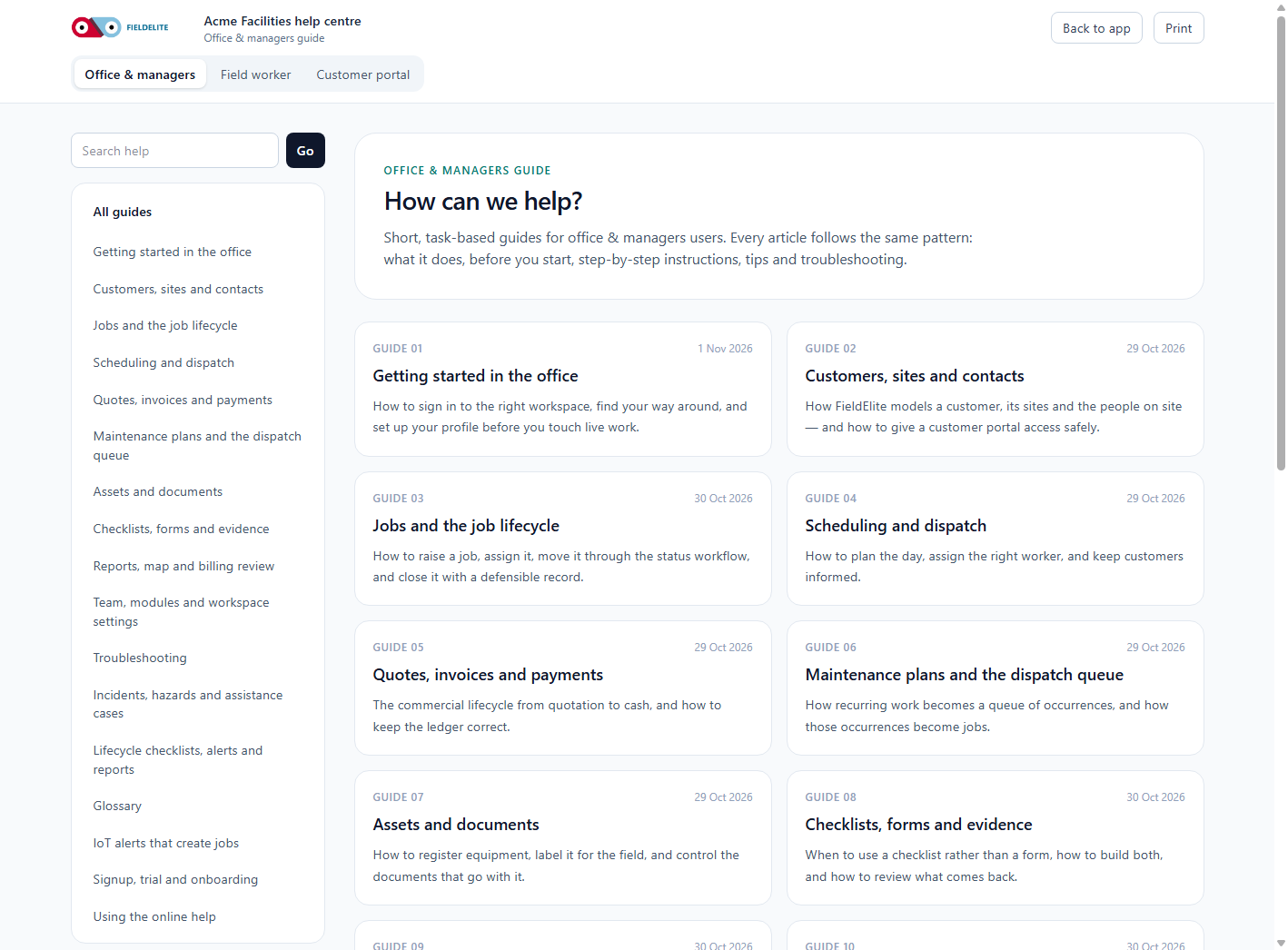
Open the help centre
- Open your workspace (for example
acme.fieldelite.com). - In the left sidebar, choose Help.
- The help centre opens on the article list for your role.
Office users see the office articles. Users with only the worker role see the field articles. Customers signed in to the portal see the portal articles.
Search
Type a word or phrase into Search help and press Enter. Search covers the title, summary and body of the articles you are allowed to see.
Good searches are concrete:
| Instead of | Search for |
|---|---|
| "It is broken" | "checklist alert" |
| "Invoice problem" | "credit note" |
| "Phone app" | "offline sync" |
Follow the related links
Every article ends with Related links. They are the fastest route to the next step in a process.
Contextual help
Where a screen has its own question, the help centre article for that screen is linked from the page or from the related links. If you cannot find an answer, use the support route in your contract.
Tip: The help centre is the same content as the training manual. If a screenshot looks different from your workspace, check that you are in the right tenant and that your browser is not zoomed.
Check your understanding
- Where do you open the help centre?
- Why might a colleague see a different article list?
- What should you do if the article does not answer the question?
Related: Getting started · Troubleshooting · Glossary
Related articles
Who this is for: office administrators, dispatchers, managers and finance users. What you will learn: how to sign in to the right workspace, find your way around, and set up your p...
Who this is for: office administrators, dispatchers and managers. What you will learn: how FieldElite models a customer, its sites and the people on site — and how to give a custom...
Who this is for: office administrators, dispatchers, managers and supervisors. What you will learn: how to raise a job, assign it, move it through the status workflow, and close it...
Who this is for: dispatchers, schedulers and operations managers. What you will learn: how to plan the day, assign the right worker, and keep customers informed. The four planning...